Export Approved Invoices
Once invoices are approved by all assigned reviewers they are ready to be exported from pVault® and imported into the bridged accounting system.
From My Paperless, click .
From the APFlow™ navigation bar dropdown, click .
A page similar to the following displays:
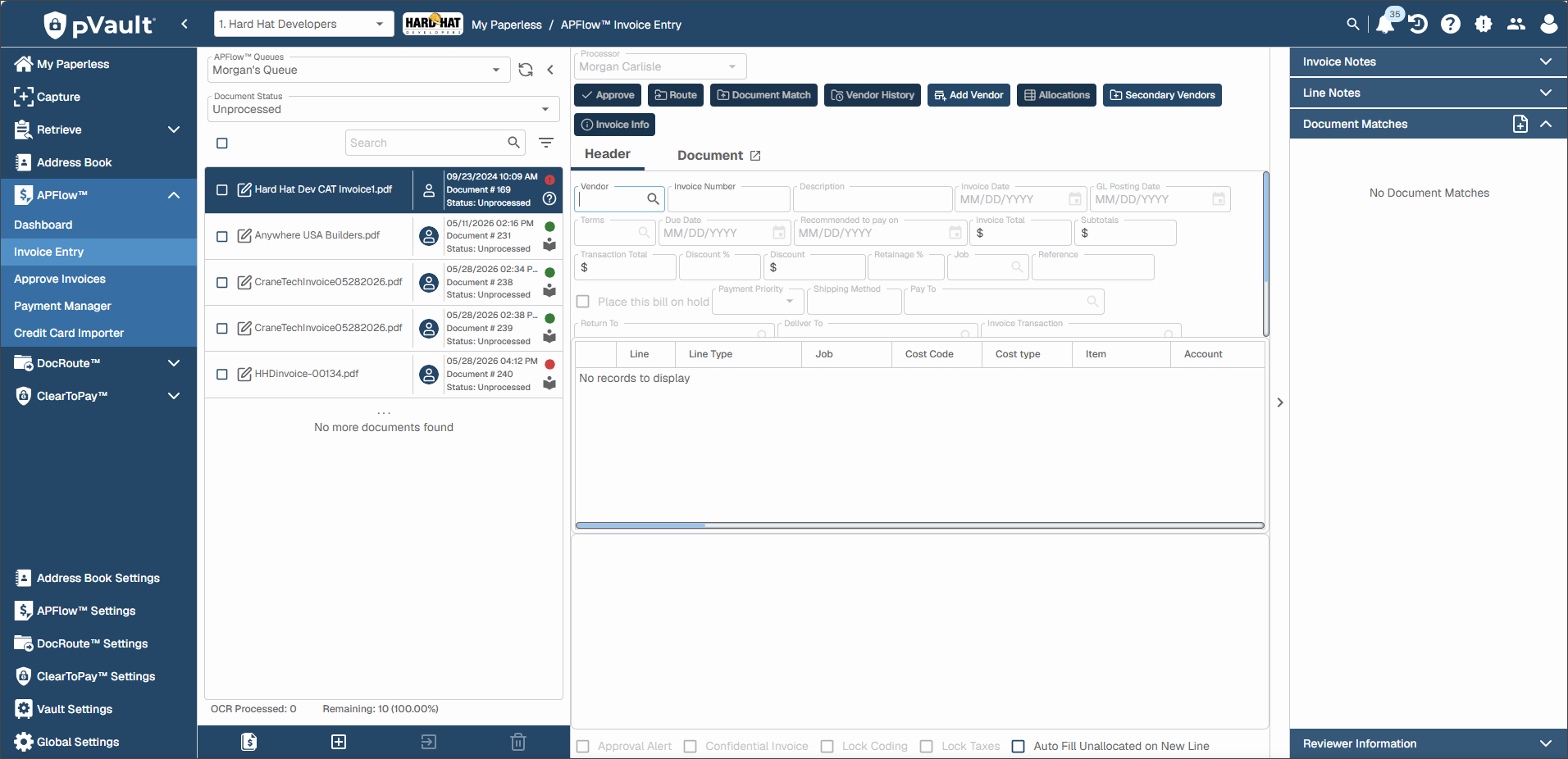
From the Document Status dropdown, select .
A page similar to the following displays:
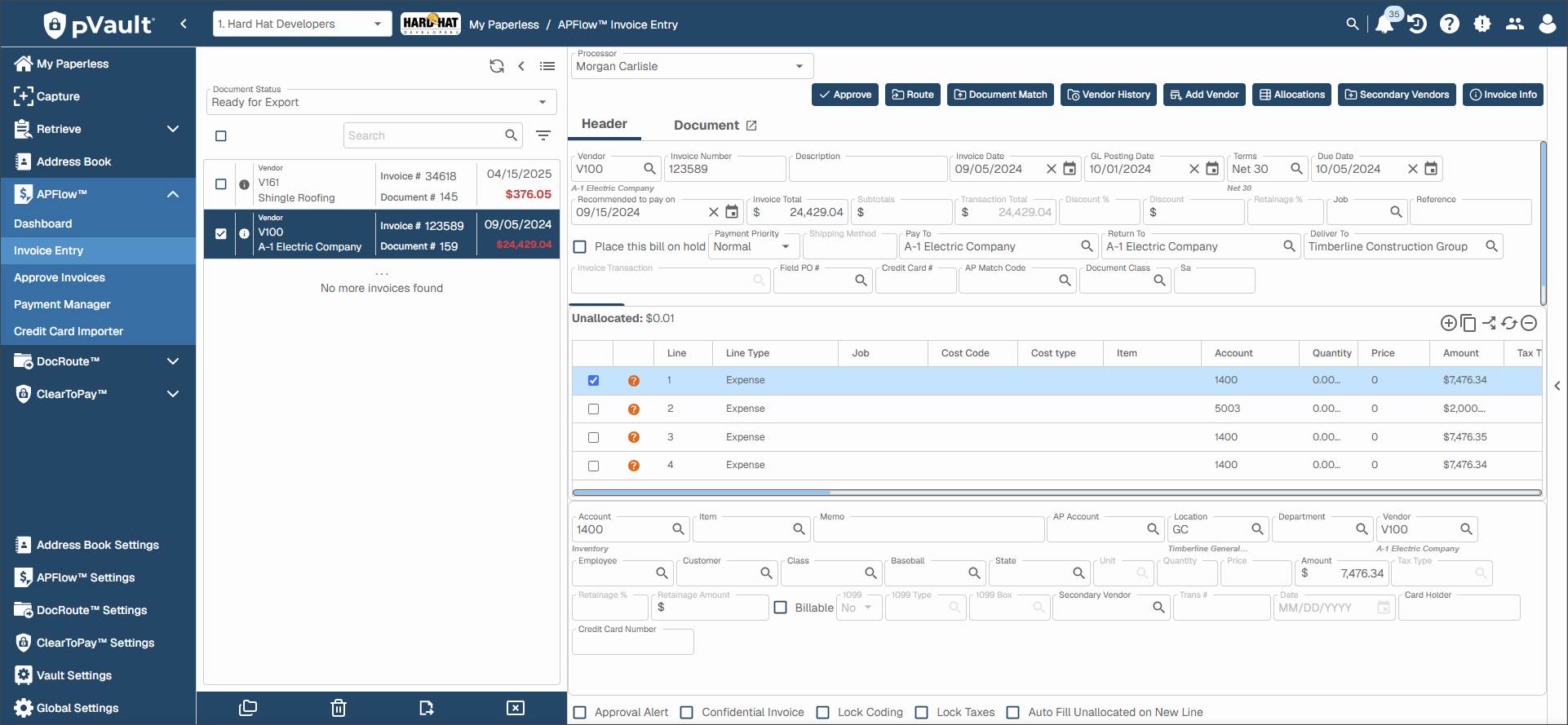
Highlight the invoice to export.
Click .
Use this function to export the active invoice only.
Important
If you have multiple invoices needing to be exported, you can click the Export Invoices
 icon.
icon.