Authentication Settings
Multifactor authentication (or MFA) allows you to add an extra layer of security as users access pVault®. Complete the following steps to view and manage your company's MFA license codes within Authentication Settings:
Important
You must have System Administrator permissions and have purchased the required MFA licenses prior to configuring these settings within Global Settings.
From My Paperless, click .
In the Global Settings navigation bar, click .
A page similar to the following displays:
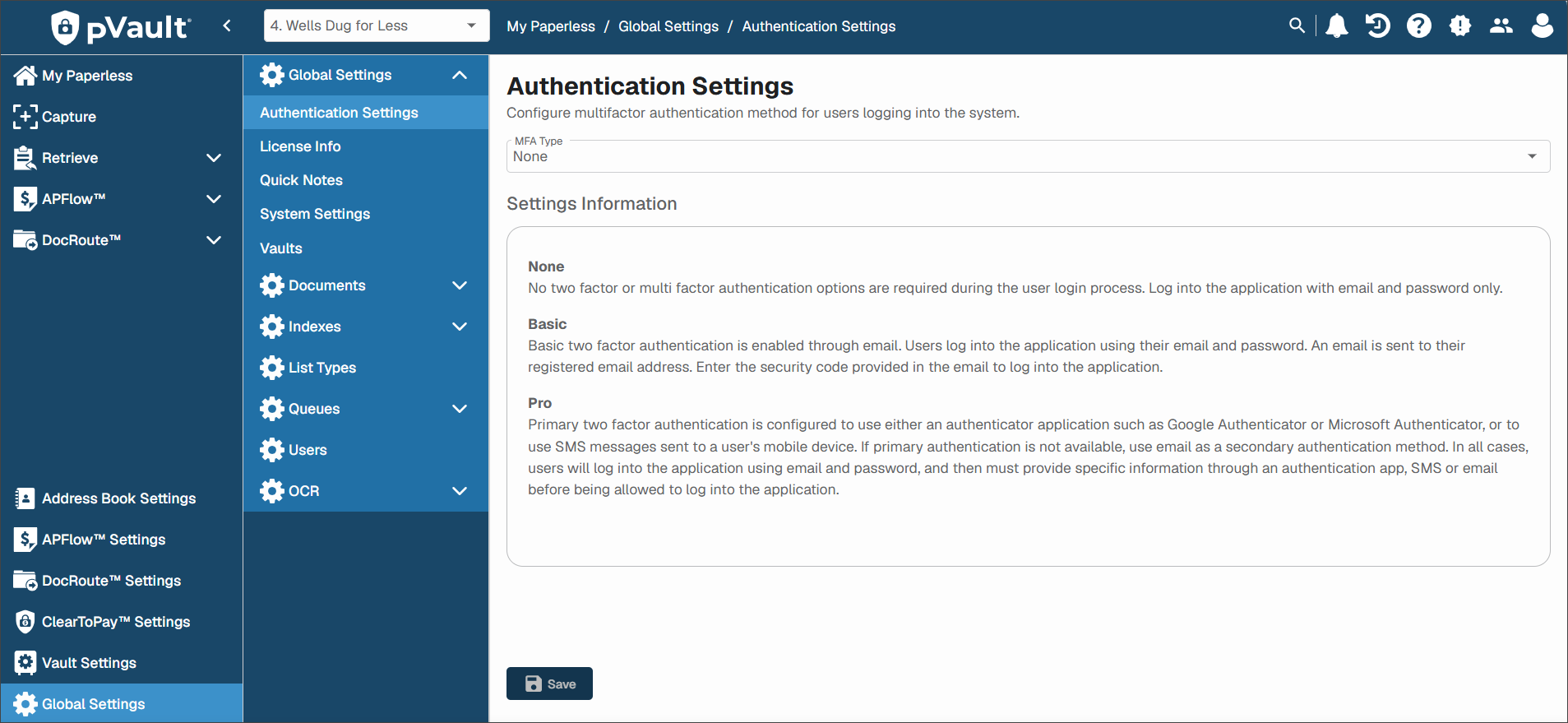
Use the MFA Type dropdown to select an authentication path.
Note
You can choose from , or . For more information on each option, see Multifactor Authentication (MFA).
Click .
Unless you have selected None, your saved authentication type is implemented and anyone in your company who logs in to pVault must respond to a series of authentication prompts to securely complete the login process.