Paperless Community
The Paperless Community website is a by-invitation, client-only website where you can get the latest information on Paperless Environments products, suggest and vote on product enhancements, see a calendar of events for webinars, training sessions, etc.; and post questions to Paperless employees or to the community itself.
From the page header, click the Community
 icon.
icon.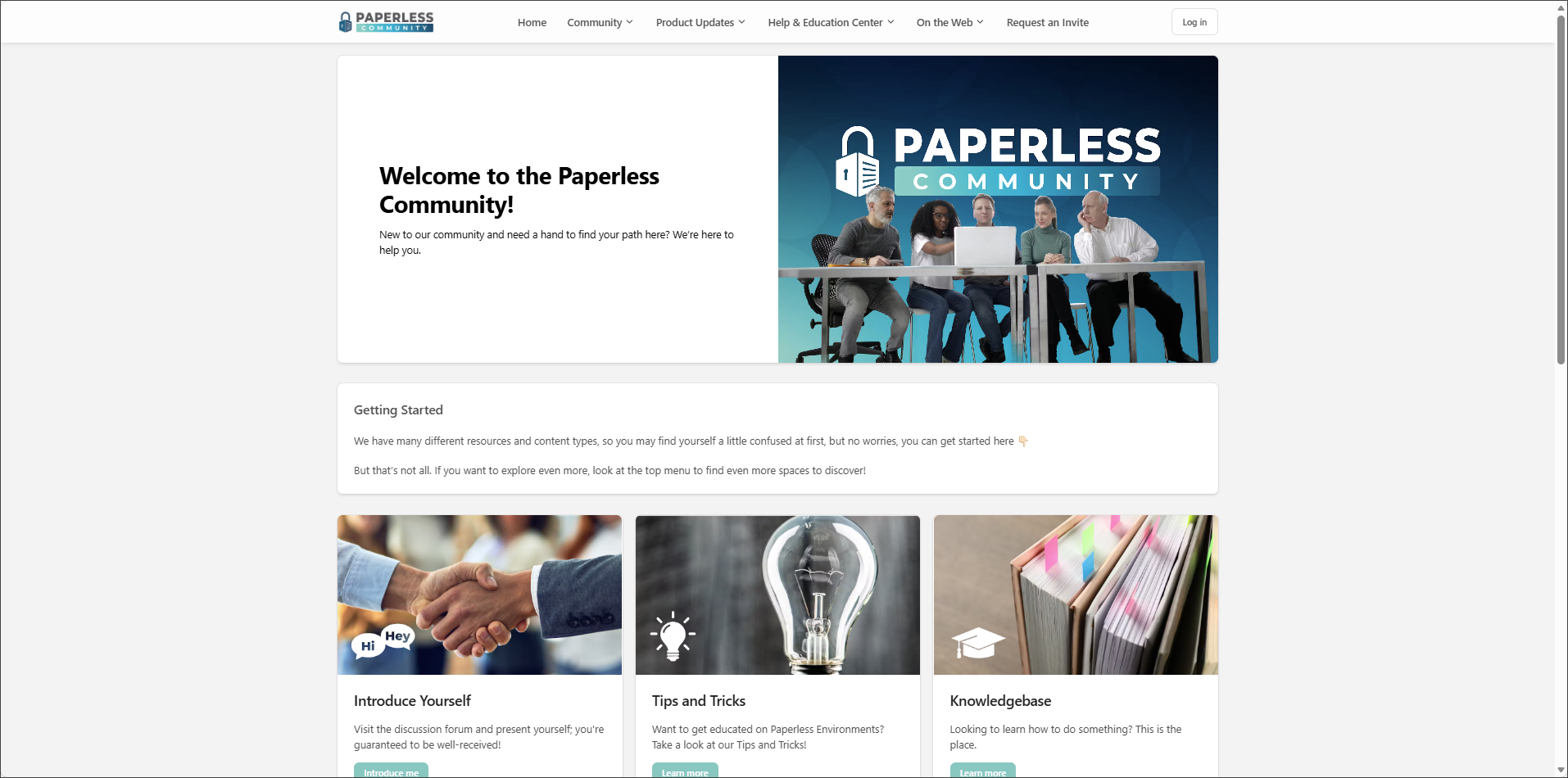
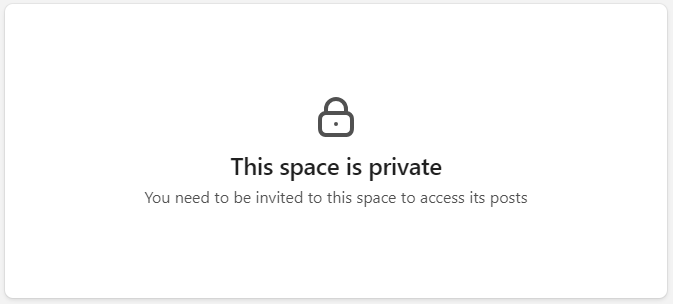
As a non-Community member, you can access News and Events topics under Community dropdown. If you click on any of the other topics, a This space is private notification displays:
If you are a new user and would like to join the Community, click .
The Request an Invite to Paperless Community page displays:
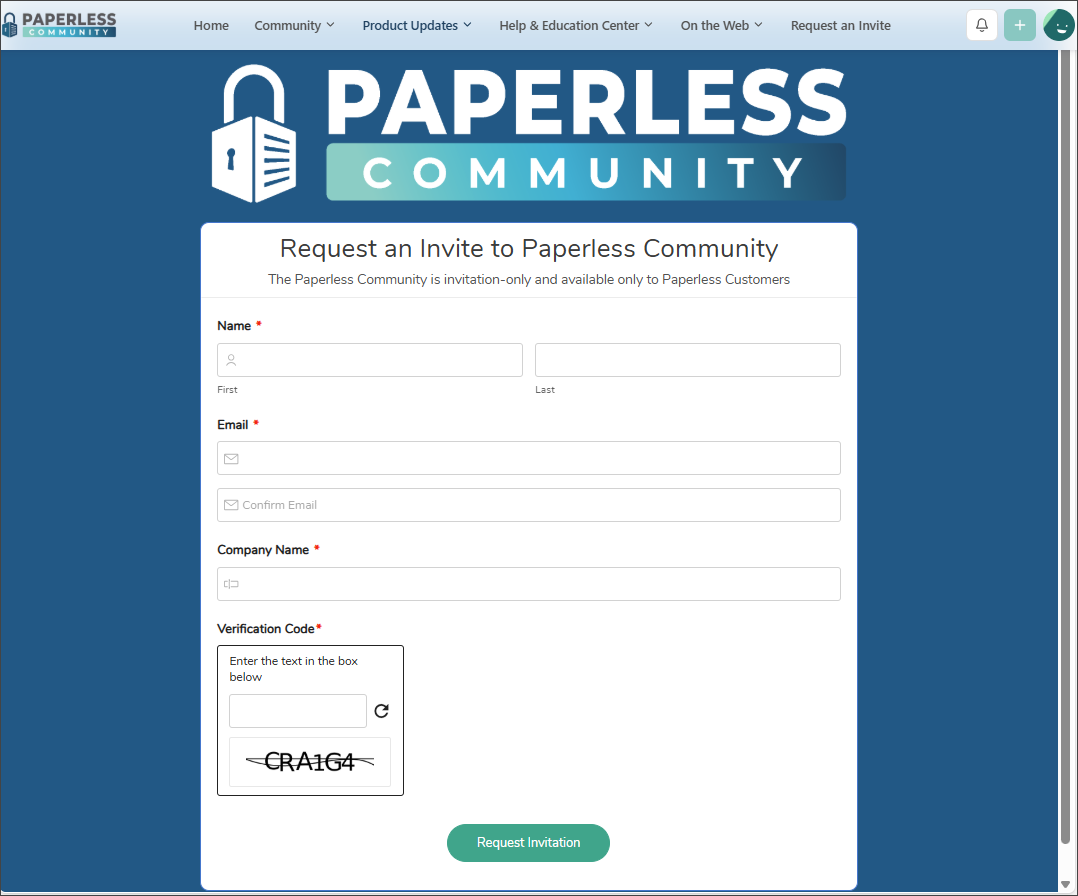
Enter the following information:
Note
The Name, Email, Company Name and Verification fields are required.
Your first and last name
Your email address
Your company name
Enter the test that displays below the Verification Code field in the text box.
Click .
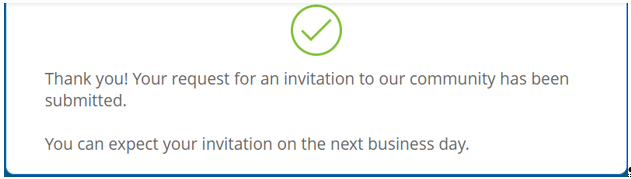
The following dialog displays and a confirmation email is sent to the email address you provided:
Follow the instructions given and begin your interaction with the Community.