Payment Manager
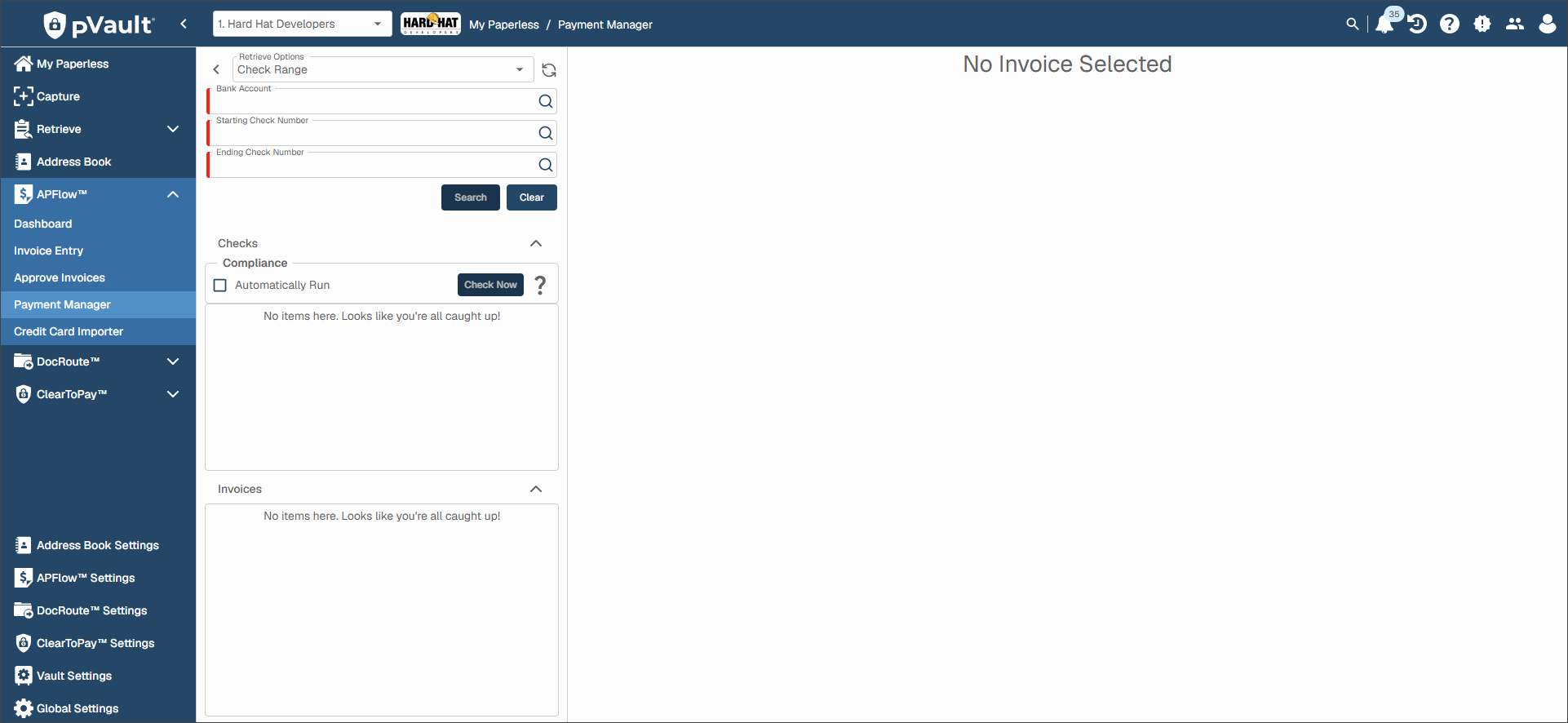
The Payment Manager module in APFlow™ enables you to review invoices and their associated documents, run compliance checks and implement an approval process using different statuses.
To see and use Payment Manager, you must configure the following access and permissions:
Module Access:
You can enable Payment Manager access for individual users based on the vault(s) they have access to in . Users must also be assigned the Processor, Reviewer and/or Supervisor role to see the Payment Manager tab within APFlow. See APFlow™ Tab for more information.
You can enable Payment Manager access across multiple users for the current vault in . Users must also be assigned the Processor, Reviewer and/or Supervisor role to see the Payment Manager tab within APFlow. See APFlow™ Settings for more information.
Bank Account Permissions: Users with Payment Manager permissions must also be assigned to one or more bank accounts so they are able to view them. See APFlow™ Bank Account Permissions for more information.
Complete the following steps to access Payment Manager:
From My Paperless, click .
From the APFlow™ navigation bar dropdown, click .
The following page displays: